Use Framer if you never want to open a code editor. It's $10 a month on yearly billing, and you can publish a portfolio in an afternoon. Use Next.js if you want to own every file, host it anywhere, and stay out of someone else's pricing changes. Webflow sits in between, but its code export comes with conditions.
This guide is for designers and developers picking a home for their portfolio in 2026. If you end up on the code side, the next choice is your component stack, and our comparison of the best React UI libraries for 2026 covers that.
Disclosure: ShadcnDeck makes Portfoly, a Next.js portfolio template. It appears in one section below, and that section is labeled.
Jump to: Quick pick · Yearly cost · Framer · Webflow · Next.js · Moving later · FAQ
Framer, Webflow or Next.js: which one fits you?
Pick by how you like to work, not by feature lists. Find your row and you're done.
| If you… | Pick | Why |
|---|---|---|
| Never want to open a code editor | Framer | Visual canvas, one-click publish, $10/mo on yearly billing |
| Want a visual editor, but may hand the site to a developer later | Webflow | Real CSS model, code export on paid Workspace plans |
| Already write React, or want to learn it | Next.js | The same stack many product teams hire for |
| Want a blog next to your case studies | Framer Basic, Webflow Premium, or Next.js with MDX | Webflow Basic has no CMS |
| Edit your site with Cursor, Claude Code or v0 | Next.js | Framer and Webflow have their own AI agents, but outside coding tools need files in a repo |
| Plan to keep the site for years without moving it | Next.js | No platform subscription decides whether your site stays online |
How much does a portfolio cost per year on each?
For a portfolio with a blog, Framer Basic is the cheapest paid option at $120 a year. Webflow starts at $300. A Next.js portfolio built on a template is $39 once, plus whatever your host and domain charge.
| Option | Plan you need | Yearly cost (USD) | What you get |
|---|---|---|---|
| Framer | Basic | $120 | 30 pages, 2 CMS collections, 1,000 CMS items, 50 GB bandwidth, custom domain |
| Webflow | Premium (Basic has no CMS) | $300 | 300 static pages, 20,000 CMS items, 40 collections, 50 GB bandwidth |
| Webflow + code export | Premium + Core Workspace | $528 | Adds HTML/CSS export at $19/mo |
| Next.js + Portfoly | Template + host | $39 once + hosting + domain (~$10–$20/yr for a .com) | Every file, in your own repo |
All prices are on yearly billing. Monthly billing costs more everywhere: Framer Basic is $15/mo and Webflow Premium is $39/mo. Framer also shows local-currency prices in some regions, and those can differ from the USD list price. We checked every number on Framer's and Webflow's pricing pages on 10 October 2026.
The hosting catch for Next.js
One honest caveat for 2026: the cheapest Next.js setup isn't always the free one. Vercel's free Hobby plan is limited to non-commercial, personal use, and Vercel counts anything used for financial gain as commercial. A portfolio that wins you paid client work probably falls into that bucket.
On Vercel Pro at $20 a month, a Next.js portfolio costs about $295 in year one. That's more than Framer Basic. Netlify's free plan, on the other hand, allows commercial use, which brings year one down to the template plus a domain: roughly $50–$60.
Hosting is a choice you make, not a fee you're locked into.
When should you use Framer for a portfolio?
Use Framer when you don't want to touch code at all. It's the shortest path from a design file to a live portfolio, so pick it and stop reading comparisons.
You design on a canvas that feels like Figma, and publishing is one button. Basic covers what a portfolio needs: case studies and a blog in the CMS, a custom domain, and built-in SEO settings. Yearly plans include a free custom domain.
Framer's marketplace has a large shelf of portfolio templates, so you rarely start from a blank page. Basic also includes 1,000 AI credits a month for Framer's built-in agents.
Where Framer gets in the way
- There's no built-in code export. Framer's help center says it doesn't offer HTML export for self-hosting. Plugins such as Framer to Code can capture the published site, but you get a copy of the output, not an editable version of your canvas.
- Pricing is per site, and it moves. Framer has reworked its plans more than once. Recent changes lowered prices, but the decision still wasn't yours.
- Code components stay inside Framer. You can write React components, but they run in Framer's runtime, not as an app you can take elsewhere.
- The free plan isn't for a working portfolio. It's meant for non-commercial use, and a custom domain needs a paid plan.
Leave Framer when you need a feature it doesn't have, or when you want the site in a repo you control.
Is Webflow better than code for a designer portfolio?
Webflow is the better teacher, and code is the better owner. Pick Webflow if you want to understand how web layout works without writing it yourself.
Webflow's canvas maps to real CSS: boxes, flexbox, grid and classes. What you learn there carries over if you move to code later. Framer hides more of that from you.
It costs more for a portfolio with a blog, though. Webflow Basic has no CMS, so a blog needs Premium: $300 a year against $120 for Framer Basic. Premium arrived on 13 May 2026, when Webflow merged its old CMS and Business plans into one.
What Webflow's code export actually gives you
Webflow can export your site, which Framer can't. Read the conditions on its pricing page before you count on it:
- Export needs a paid Workspace plan. Core is $19/mo on yearly billing.
- You get HTML and CSS for static pages.
- CMS content exports collection by collection, not as finished pages.
- Forms stop working once the site leaves Webflow.
- Exported code can't be imported back into Webflow.
That makes export an exit, not a workflow. You can leave with your layout, but you can't edit the code and sync it back to the canvas.
🎨 Picking colors before you pick a platform? Our guide to building a shadcn color palette that works in light and dark mode walks through the token choices any portfolio needs, whichever tool you end up in.
When should you use Next.js for a portfolio?
Use Next.js when you want your portfolio in a repo you control. Every page is a file, and no plan decides how many pages or posts you can have.
Owning the code changes a few practical things:
- You choose the host. Vercel, Netlify, any Node server running
next start, or Cloudflare through the OpenNext adapter. New Next.js features usually reach non-Vercel hosts a little later. - Posts are files. A blog post is an MDX file in git, versioned like everything else.
- AI coding tools can edit the whole site. Cursor, Claude Code and v0 work on files, so they can change layouts, add case studies, or restyle the site.
- You keep Framer-style motion. Motion, the library formerly called Framer Motion, gives you the same kind of animation in plain React. Our tutorial on a self-drawing SVG signature is a good example of the hero effects you can build with it.
For real sites built on this stack, see our roundup of open-source shadcn/ui projects and examples. For the pieces a portfolio grid is made of, the shadcn card patterns guide covers image cards and hover effects.
What owning the code costs you
- No canvas. Layout changes happen in code, by hand or through an AI tool.
- You run deploys. You push to git and your host builds the site. It's usually automatic, but when it breaks, it's yours to fix.
- You handle upgrades. Major framework versions bring breaking changes. In Next.js 16, for example, you can no longer read route
paramsdirectly. You have toawaitthem. - Writing is less visual. A post is a text file, not a rich editor with drag-and-drop images.
Start from a template, not a blank repo
We make Portfoly. This section is about our own product.
Most of the work in a code portfolio is the plumbing, not the pages. Portfoly is our premium Next.js portfolio template, and it ships with that plumbing already done. It's built on Next.js 16, React 19, Tailwind CSS v4, shadcn/ui and Motion.
Here's what's in the box:
- A hero that moves: your signature draws itself above your name, next to your portrait, an experience badge and client avatars.
- A filterable project grid: tabs for websites, apps and dashboards, with cards that link to Dribbble, Behance, a live site or a full case study.
- The sections a client looks for: about, services with animated stat counters, work history, testimonials and a contact form.
- A real MDX blog: drop a file in the content folder and it shows up on the blog, the homepage, the RSS feed and the sitemap, with tag filters and a table of contents.
- SEO done for you: per-page metadata, generated Open Graph images, sitemap, robots, canonical URLs, and Person schema.
- Easy to make yours: your name, role and links live in one config file, and the colors are standard shadcn tokens.
It's $39 at launch pricing, a one-time payment. It has no Vercel-only code, so it runs on any of the hosts above. Here's how the project is laid out:
The Portfoly template page lists everything that's included. To try a color palette and corner radius before you touch any CSS, use our free shadcn theme editor. Portfoly uses the standard shadcn color tokens, so the exported theme drops straight in.
See the Portfoly demo to see what a portfolio you own looks like.
What does it cost to move later?
Leaving is cheapest from code. From Framer or Webflow you can take a copy of the site, but you rebuild anything you want to keep editing. Price the exit before you pick the platform.
| Moving from | What comes with you | What you rebuild | What breaks |
|---|---|---|---|
| Framer → code | Copy, images, CMS collections as CSV via the CMS Export plugin, and a plugin-captured copy of the site | Editable pages and components in React, animations in Motion | Edits to the captured copy don't flow back to Framer's canvas |
| Webflow → code | HTML and CSS for static pages (paid Workspace plan) | CMS pages from exported collections, class-based markup into components | Forms |
| Next.js → another host | The whole repo | Host settings and environment variables | Features tied to one host, like a platform's analytics |
If you're rebuilding a Framer portfolio in code, you don't have to start from nothing. Our guide to building a landing page with Next.js and shadcn/ui covers the hero, sections and layout you'll recreate.
What are the alternatives to a Framer portfolio template?
If you like Framer but not the template, you want another Framer template. If you like the template but not Framer, you want a different shelf. There are three.
| Shelf | What you get | Best when |
|---|---|---|
| Framer Marketplace | A template remixed into your Framer account | You're staying on Framer |
| Webflow template marketplace | A site cloned into Webflow, exportable on a paid Workspace plan | You want visual editing with an exit |
| Code templates (GitHub, template shops) | A repo you own and host anywhere | You want the files |
The code shelf isn't only paid. GitHub has plenty of free, open-source Next.js portfolio repos, and our list of free shadcn/ui landing page templates includes a portfolio starter. A paid template is worth it when you want SEO, a blog and the project structure already done.
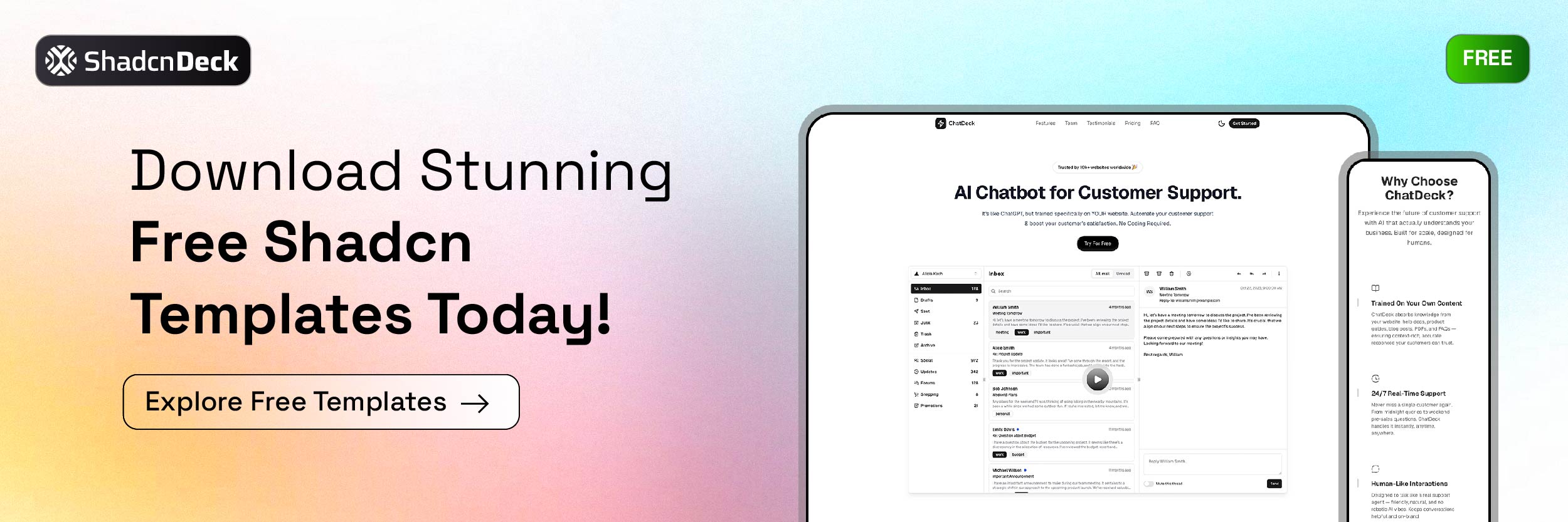
🚀 Want to try the code route for free first? Our ChatDeck landing page template is MIT licensed and uses the same Next.js, Tailwind and Motion stack, so you can see how it feels before you commit.
The Bottom Line
If you want a live portfolio this week and never want to see code, pick Framer Basic. If you want to learn how layout works and may hand the site to a developer, pick Webflow, and budget for Premium. If you want to own every file, use AI coding tools on your site, or keep it for years, pick Next.js, and choose a host that allows commercial use.
The one wrong move is picking a platform before you've priced leaving it.
Related Posts
- SVG signature animation in React - build the self-drawing hero effect that makes a portfolio feel hand-made
- shadcn card component guide - image and animated cards for a project grid
- Build a landing page with Next.js and shadcn/ui - the section-by-section build you'd follow when leaving a site builder
- 12 free shadcn landing page templates - open-source starters, portfolio styles included
- Real shadcn/ui projects to study - production codebases on the same stack
- Best React UI libraries in 2026 - your next decision once you've picked code