Choose shadcn/ui for code ownership, zero runtime, and full design control. Choose Material UI when you need 90+ battle-tested components and a DataGrid fast.
The core difference comes down to how you get the code. shadcn/ui copies component source files into your project, so you own and edit them directly. MUI is an npm package you install and import, so the source stays in node_modules and you customize through overrides.
Jump to: Comparison table · Next.js App Router · Theming and dark mode · Forms and data tables · When to use each · FAQ
shadcn/ui vs Material UI compared
| Feature | shadcn/ui | Material UI (MUI) | Winner |
|---|---|---|---|
| GitHub Stars | ~116,000 | ~98,000 | shadcn/ui |
| Distribution | Copy-paste registry + CLI (you own the code) | npm package (@mui/material) | Tie |
| Weekly npm Downloads | Not a runtime dependency | ~7.3M | MUI |
| Styling Engine | Tailwind CSS (zero runtime) | Emotion CSS-in-JS (browser runtime) | shadcn/ui |
| Next.js App Router | RSC by default; "use client" only for interactive parts | Requires client boundary + AppRouterCacheProvider to avoid hydration errors | shadcn/ui |
| Bundle Impact | 2-8KB gzipped per component | ~90-160KB gzipped full import (tree-shakeable) + Emotion | shadcn/ui |
| Customisation | Edit the source directly (cva variants) | Theme overrides, sx, styled() | shadcn/ui |
| Design System | Unstyled / neutral, fully custom | Google Material Design (opinionated) | Tie |
| Accessibility | Radix UI primitives (ARIA, keyboard) | WAI-ARIA patterns built in | Tie |
| Components Included | 50+ core components | 90+ core, plus MUI X (DataGrid, pickers) | MUI |
| Data Table | TanStack Table (headless, free) | MUI X DataGrid (Pro features paid) | MUI |
| Theming | CSS variables (OKLCH) + Tailwind | Theme object + Emotion | shadcn/ui |
| Current Version | Rolling registry (Tailwind v4, React 19) | MUI v9 | Tie |
| Licence | MIT (free, no attribution) | MIT core (free); MUI X Pro/Premium paid | Tie |
| Best for | Marketing sites, custom design systems, RSC-first apps | Data-dense dashboards, admin tools, fast prototyping | Tie |
What is shadcn/ui?
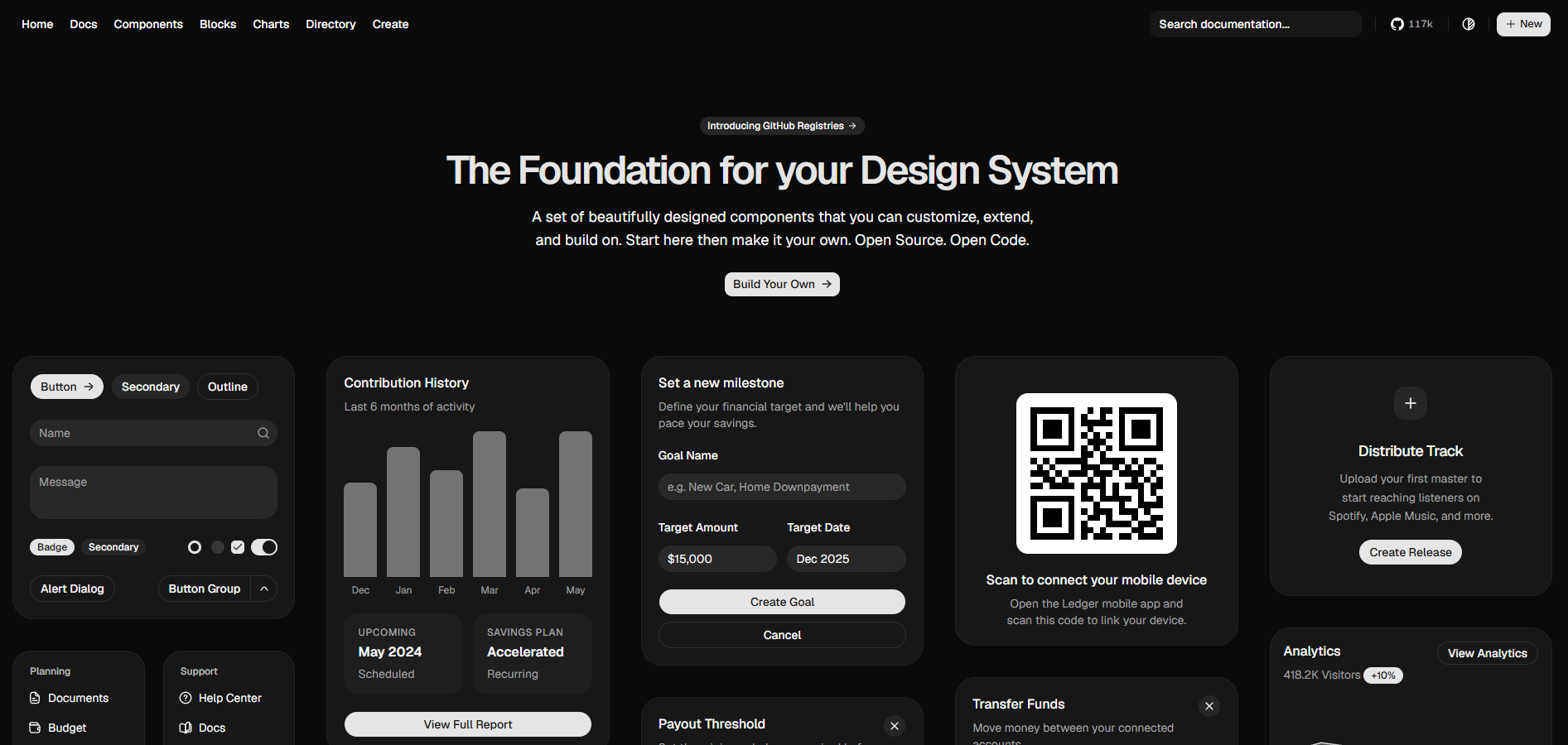
shadcn/ui is a copy-paste component registry for React. You run a CLI command, and the component source lands in your project as a file you own. It is built on Radix UI primitives and styled with Tailwind CSS, so there is no runtime styling cost. With ~116,000 GitHub stars, it is the fastest-growing React component system — read about why developers are switching to shadcn for the full backstory. Best for teams that want full design control and zero dependency lock-in.
What is Material UI?
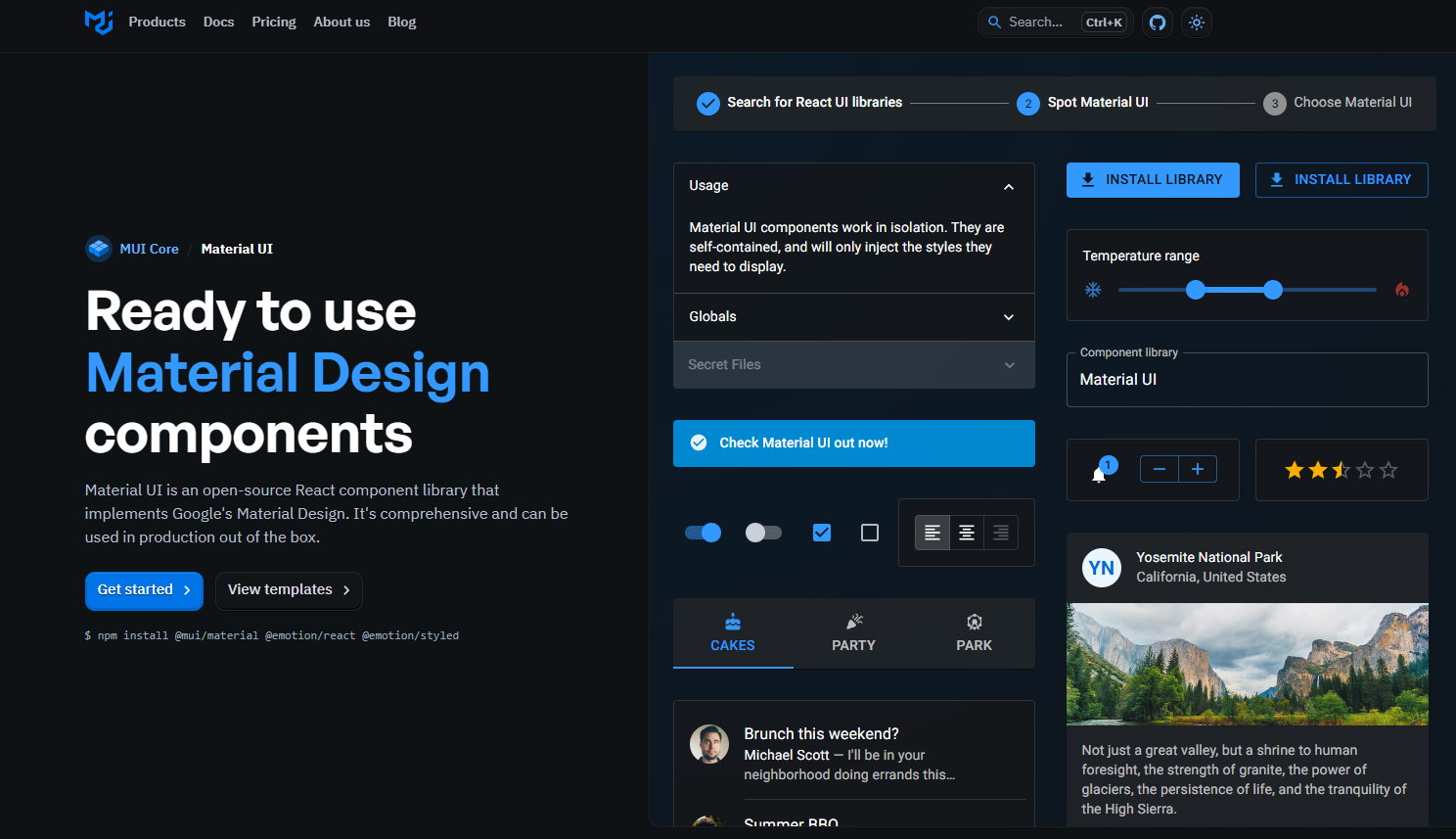
Material UI (MUI) is an npm component library that ships Google's Material Design for React. You install it from @mui/material and import ready-made components. With ~7.3M weekly npm downloads and 90+ components (plus the MUI X paid tier for DataGrid, pickers, and charts), it is the most widely adopted React UI library. Best for teams that need breadth and speed on standardised interfaces.
How code ownership works in practice
The ownership model is what separates these two libraries. It shapes how you customize, upgrade, and debug components.
With MUI you install and import:
With shadcn/ui the CLI copies the source into your project and you import from your own path. There is no library to upgrade or override:
Since shadcn's button.tsx lives in your repo and uses class-variance-authority (cva) for variants, you can add a new variant directly (our shadcn button component deep-dive covers every built-in variant and custom pattern):
MUI's source is in node_modules, so you never edit it. You customize through the theme, the sx prop, or styled():
With shadcn you change behaviour at the source. With MUI you layer overrides on top. The first works best for custom designs, the second works best for consistency across a large team.
shadcn/ui vs MUI in the Next.js App Router
This is often the deciding factor for Next.js projects. shadcn/ui components are React Server Components by default. They are plain JSX styled with Tailwind, so static ones render on the server with zero client JavaScript. Only interactive primitives (anything using Radix state or hooks) carry a "use client" directive.
MUI runs on Emotion, a client-side styling runtime. That means MUI components cannot be Server Components and need a cache provider to avoid hydration mismatches and flash-of-unstyled-content during streaming.
MUI's App Router setup is mandatory boilerplate. You install the integration package and wrap the app in AppRouterCacheProvider, which collects Emotion's server-generated CSS as Next.js streams HTML chunks:
If you skip the cache provider, styles get injected into <body> instead of <head>, and you will see hydration warnings during streaming. shadcn/ui needs none of this. A static marketing page renders server-side with no provider at all.
For a content or marketing site, this is the difference between shipping zero client JS for your layout and shipping an Emotion runtime on every route.
Which is better for performance and bundle size?
shadcn/ui wins on bundle and runtime cost because it adds no styling runtime. Tailwind compiles to static CSS at build time, and unused classes are purged, so you ship zero unused CSS in production. Each shadcn component adds roughly 2-8KB gzipped (the Radix primitive plus your copied component code).
MUI's full @mui/material import is roughly 90-160KB gzipped. It is tree-shakeable, so individual component imports are smaller. But Emotion still serializes styles in the browser on render, which adds main-thread work. This shows up in Interaction to Next Paint (INP) scores, especially on lower-end devices.
Two practical rules from production:
- Import MUI components from their own paths (
@mui/material/Button) rather than the barrel (@mui/material) so bundlers tree-shake reliably. - For shadcn, your CSS size depends only on which Tailwind utilities you actually use, since unused classes are purged. There is no per-component runtime to budget for.
If Lighthouse and Core Web Vitals are part of your acceptance criteria (and they are for any marketing site), shadcn/ui is the faster path. For an authenticated internal dashboard where the user already waited through a login, MUI's runtime cost is rarely the bottleneck, and its prebuilt complex components win back far more developer time than they cost in kilobytes.
If you're choosing shadcn/ui for a marketing site rather than a dashboard, FoxCopy just launched and gives you a themeable SaaS landing page with a built-in blog already wired up, so you don't have to assemble the theming and content layer from scratch.
How do you theme and add dark mode in each?
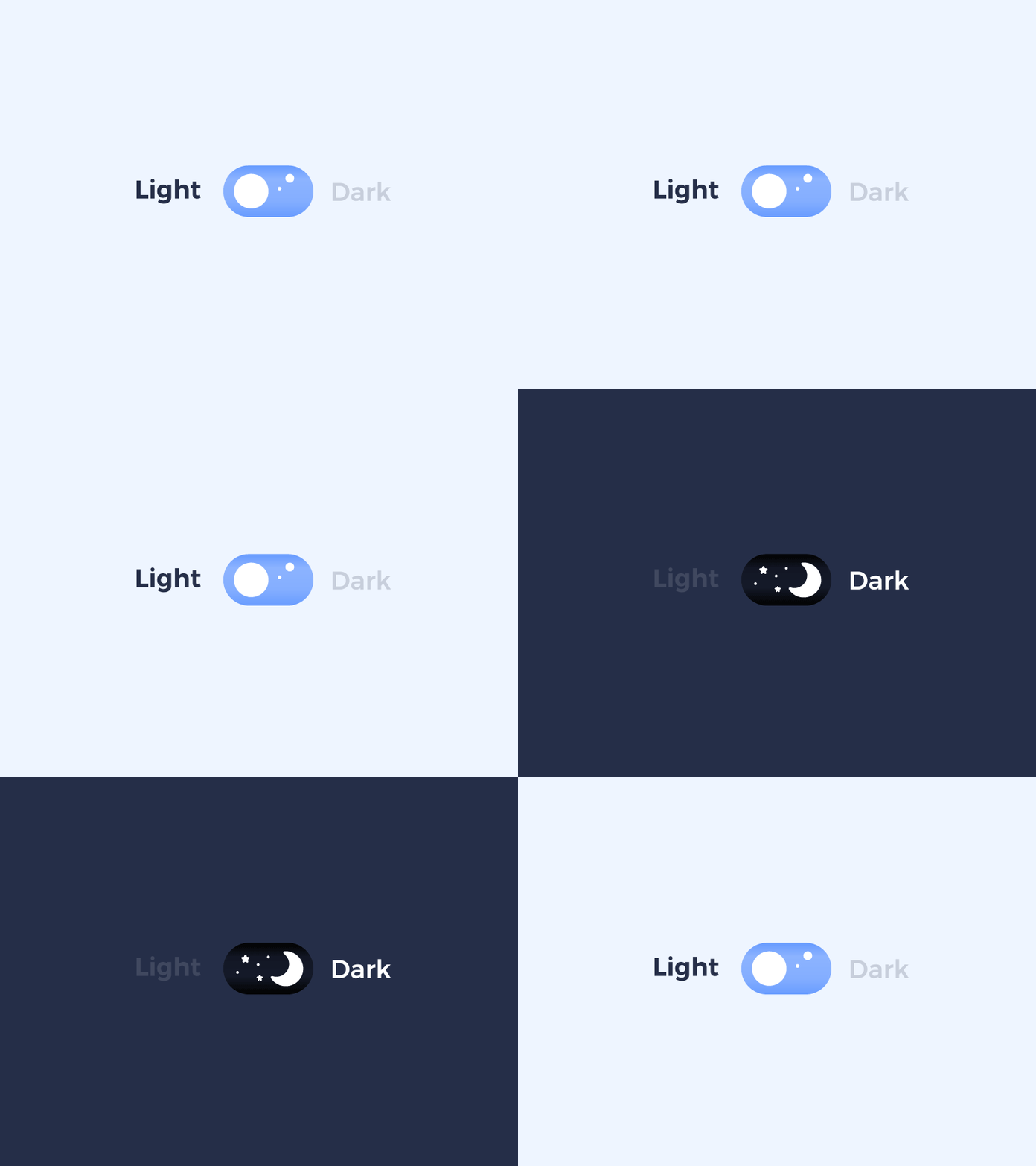
Credit: Zhenya Karapetyan
shadcn/ui theming is CSS variables. In the Tailwind v4 era, tokens are defined under :root and .dark using the OKLCH colour space, then exposed to Tailwind utilities with @theme inline. A brand colour change is a token edit and every component referencing it updates instantly. Build a full palette in seconds with a free shadcn theme generator, then paste the tokens into globals.css:
Dark mode toggles by adding .dark to the root element, which most teams drive with next-themes:
MUI theming runs through a JavaScript theme object. v9 supports CSS-variable mode and built-in colour schemes, so dark mode is configured in code rather than CSS:
Both approaches work well. The difference is where your design lives: shadcn keeps it in CSS your designers can read, MUI keeps it in a typed theme object your app imports. For a custom brand where you will deviate from defaults often, editing tokens is simpler than overriding a design system that wants to pull you back toward Material Design.
How do you handle forms and data tables?
shadcn/ui ships a form abstraction built on react-hook-form and Zod. MUI gives you styled inputs that you wire to react-hook-form yourself with Controller. Both get you to the same place: schema-validated, accessible forms. But shadcn's wrapper removes more boilerplate.
shadcn form with Zod validation:
The same form in MUI uses Controller to bridge react-hook-form to TextField:
Data tables are where MUI pulls clearly ahead, and where it charges you. MUI X DataGrid is batteries-included: sorting, filtering, pagination, and virtualization out of the box. But row grouping, tree data, and Excel export sit behind paid Pro and Premium licences. shadcn/ui has no grid. You pair its table components with TanStack Table, a free headless library, and assemble sorting, filtering, and virtualization yourself. The tradeoff is direct: DataGrid saves days on a complex internal tool, while shadcn + TanStack costs more setup but stays free and fully styled to your brand.
How do you migrate from Material UI to shadcn/ui?
Migrate incrementally, never in one rewrite. Both libraries render plain React and share no conflicting global styles, so they coexist in the same app while you replace components screen by screen. Start with leaf components (buttons, inputs, crafting card layouts in shadcn), move to composite views, and leave MUI X DataGrid for last since it has no drop-in shadcn equivalent.
The work is translating styling, not markup. An MUI button becomes a shadcn button whose variants you control in your own source:
You move colours from the MUI theme object into CSS variables, and component-level sx overrides become Tailwind classes. The measurable payoff lands when the last MUI component leaves a route: you drop @mui/material, Emotion, and the cache provider, removing the styling runtime from that bundle entirely. For greenfield projects, skip migration and start from a finished shadcn/ui template instead.
When should you use shadcn/ui vs Material UI?
Use shadcn/ui if:
- Your stack is Next.js + Tailwind + TypeScript - shadcn/ui fits with zero friction.
- Brand identity matters - you need to look distinct, not like a Material Design app.
- RSC compatibility is required - static components render server-side with no client JS.
- Performance is an acceptance criterion - Lighthouse, Core Web Vitals, INP all benefit from zero runtime.
- You want to own your component code - no dependency on a third-party release cycle.
Pre-built shadcn/ui landing page templates reach production in minutes instead of days.
Use Material UI if:
- You need MUI X DataGrid, DatePicker, or Charts - no free equivalent exists in shadcn/ui.
- Fast prototyping on a deadline - 90+ components, plug-and-play, minimal setup.
- Building a data-dense internal dashboard or admin tool - MUI's breadth saves days.
- Team is new to React UI - lower learning curve, excellent documentation.
- Material Design aesthetic is acceptable - you don't need pixel-level brand control.
If you are weighing more than these two, see our roundup of the best React UI libraries in 2026 and our shadcn vs Mantine comparison.
Frequently asked questions
The bottom line
shadcn/ui and Material UI are both MIT-licensed and production-ready. Pick MUI for data-dense internal apps that need breadth and a powerful grid fast. Pick shadcn/ui for marketing sites, landing pages, and any product where brand, performance, and RSC compatibility matter. Need proof it works at scale? Browse real apps built with shadcn/ui.
If you are starting a new project today, skip the build entirely with a production-ready shadcn/ui landing page template.
Related posts
Explore more shadcn/ui guides and comparisons: